
Yes, AI can help you write quotes much faster.
Give it your past quotes and your price list once. Then it drafts the next quote from your notes in minutes.
You check it, adjust it, and send it. The price is always your call.

Key takeaways
- AI is great at turning your rough notes into a clean quote.
- It learns your format from your own past quotes.
- You set the prices. It never should.
- A faster quote often means you win the job.
Why do quotes take so long?
Because they happen at the worst time.
You see the job during the day. You write the quote at night.
You dig up an old one, change the details, check the math, fix the wording.
An hour later, it's done. And you've got three more to go.
Meanwhile, the customer is waiting. And so is your competitor.
What part of a quote can AI do?
Most of the writing.
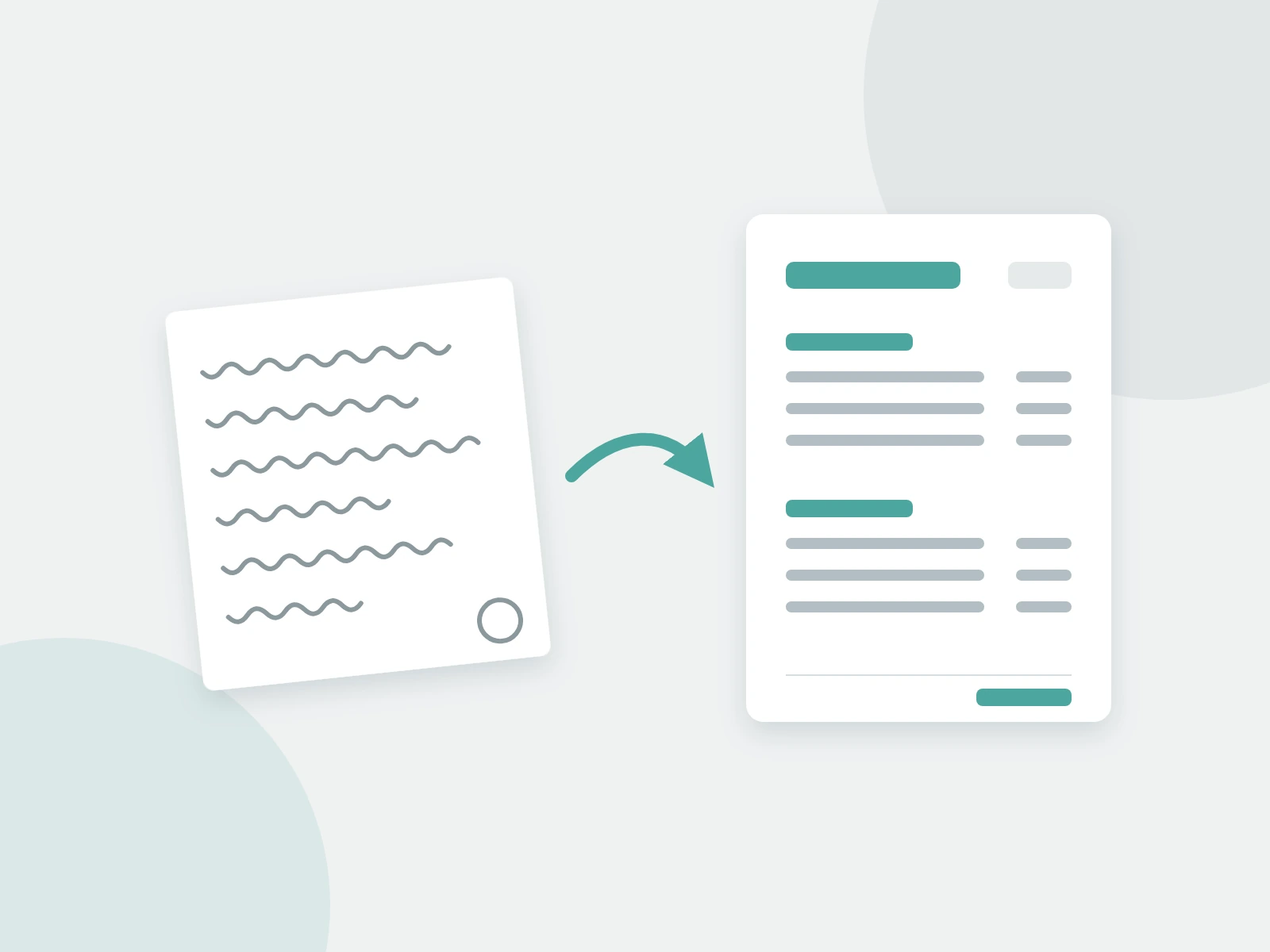
- Turning notes into a clean scope: "Back yard, 40 feet of fence, two gates" becomes a clear description of the work
- Following your format: same sections, same layout, same terms
- Pulling line items from your price list
- Writing the cover note in your voice
- Checking for missing details before it goes out
What part should always stay with you?
The judgment.
The price. AI can add up your price list. It should never decide what a job is worth.
The tricky parts. Access problems, unusual materials, a customer who needs extra care.
The final check. Read every quote before it goes out. It takes two minutes, not an hour.
Your notes in, a quote out
Here's how it works once it's set up.
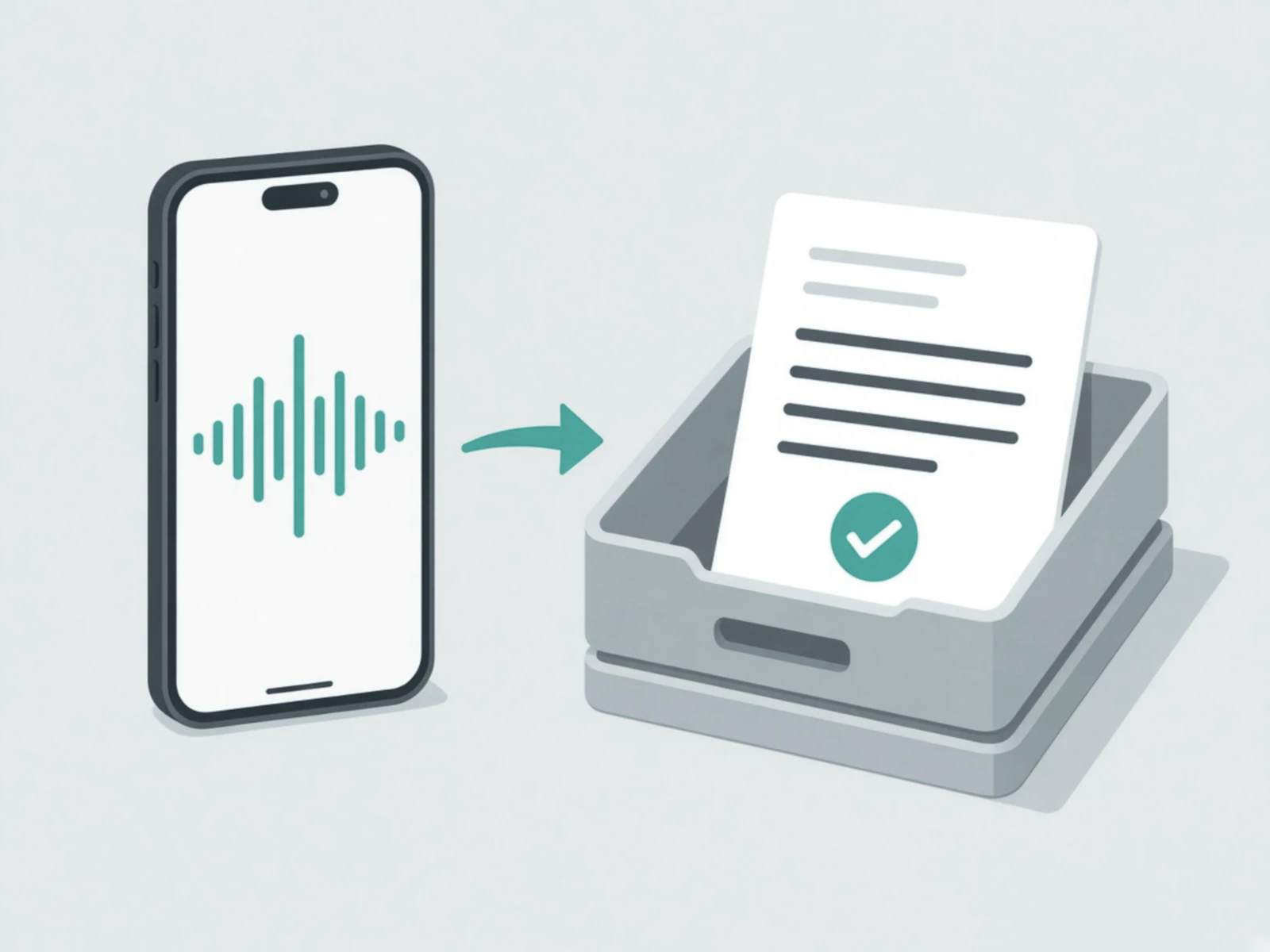
After a site visit, you talk into your phone for a minute. Or you type a few lines.
The AI turns that into a draft quote in your format, with your prices and your terms.
It lands in your inbox. You check it, tweak it, and send it.
Same quote. A fraction of the time. And it goes out today, not next week.
Want to see if quoting is your biggest time drain?
Book your free 15-minute AI assessment
Speed up your quotes: 6 steps
1. Gather 5 of your best past quotes.
These teach the AI your format and your voice.
2. Put your prices in one place.
A simple list or spreadsheet: item, unit, price.
3. Write your standard terms once.
Deposit, timeline, what's included, what's not.
4. Try one quote with AI.
Give it your notes from a real job and compare the draft with what you'd write.
5. Fix the instructions.
Wherever the draft is off, tell it why. It gets closer each time.
6. Set it up to run from your notes.
Voice note or text in, draft quote out, straight to your inbox.
Frequently asked questions
Can AI price my jobs?
It can add up line items from your price list.
But you should always decide the final price. That's your expertise.
Will my quotes sound generic?
Not if you give it your own past quotes.
It learns your wording and your format from them.
Is my pricing information safe?
Use business tools with clear privacy settings, and check how your data is stored.
Don't paste customer details into tools you haven't checked.
How much faster is it?
That depends on your quotes.
Time your next five by hand, then time five with AI. Your own numbers will tell you.
What if a job is unusual?
Let AI draft the standard parts.
Write the unusual parts yourself. That's where your experience matters.
The fastest good quote wins
Customers don't always pick the cheapest quote.
They often pick the one that arrived first and was easy to understand.
Let AI do the writing. You do the pricing.
Let's find your biggest time drain
On a free 15-minute call, I'll find the task costing you the most. Sometimes it's quotes.
Then I'll come back on a second short call with one fix for it.
Both calls are free.
Book your free 15-minute AI assessment
Keep learning
- How do I stop leads going cold?
- How do I stop doing the same admin every week?
- Is AI worth it for a business my size?
- What we build: AI agents
About Jim Swan
Jim Swan has run Swan Media Solutions in the Okanagan since 2014.
He helps business owners put AI to work, builds his own software (TreWise, SipLocal and TimeSpend), and runs his own businesses with a team of AI assistants.