
Ask every customer at the right moment, automatically, with a direct link.
No chasing. No awkward reminders from you.
And no incentives. Google doesn't allow them.
Key takeaways
- Most happy customers will leave a review. They just need to be asked.
- Timing matters: ask right after the job, while they're happy.
- Send a direct link so it takes them seconds.
- Ask everyone, not just the customers you think are happy.
- Never offer anything in return. Google removes those reviews.
Why don't customers leave reviews?
Not because they're unhappy.
Because nobody asked. Or they meant to, and forgot.
Or they went looking for where to leave one, couldn't find it, and gave up.
And you're busy too. Asking every customer, every time, is easy to skip.
What are Google's rules on asking?
Asking is fine. Google even suggests sending customers a link or a QR code to make it easy.
What's not allowed:
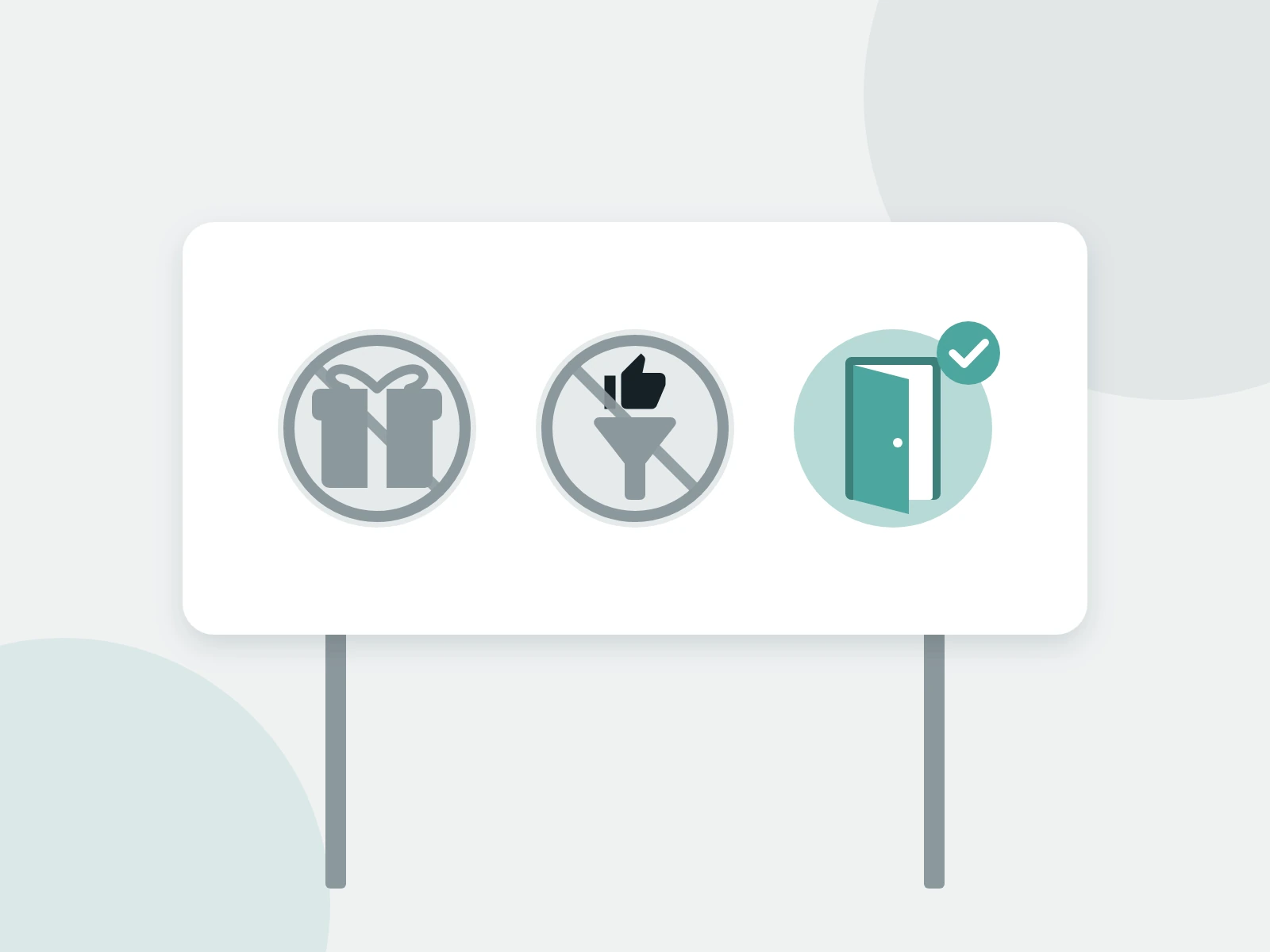
- Offering anything in return. Google prohibits offering payment, discounts, or free goods or services in exchange for a review.
- Only asking happy customers. Google doesn't allow businesses to selectively ask for positive reviews.
- Discouraging negative reviews. That's against the rules too.
So: ask everyone, the same way, with nothing attached.
When is the best time to ask?
Right when the job is done and they're pleased with it.
The fence is up. The appointment went well. The order arrived.
That's when they're happiest, and the details are fresh.
Wait two weeks and the moment has passed.
Let the system ask for you
This is a perfect job to hand off.
When a job is marked done, a short message goes out in your words.
"Thanks for choosing us. If you have a minute, a Google review really helps a small business like ours." With the direct link.
If they haven't left one in a few days, one friendly reminder. Then it stops.
You never chase anyone. And every customer gets asked.
Want to see how many reviews you're missing out on?
Book your free 15-minute AI assessment
What about the reviews you get?
Reply to every one. Good and bad.
Thank people by first name and mention the job.
For a bad review, stay calm, own what's fair, and offer to sort it out.
Future customers read your replies as much as the reviews.
AI can draft the replies for you to check. Keep the final word yours.
Get more reviews: 6 steps
1. Get your direct review link.
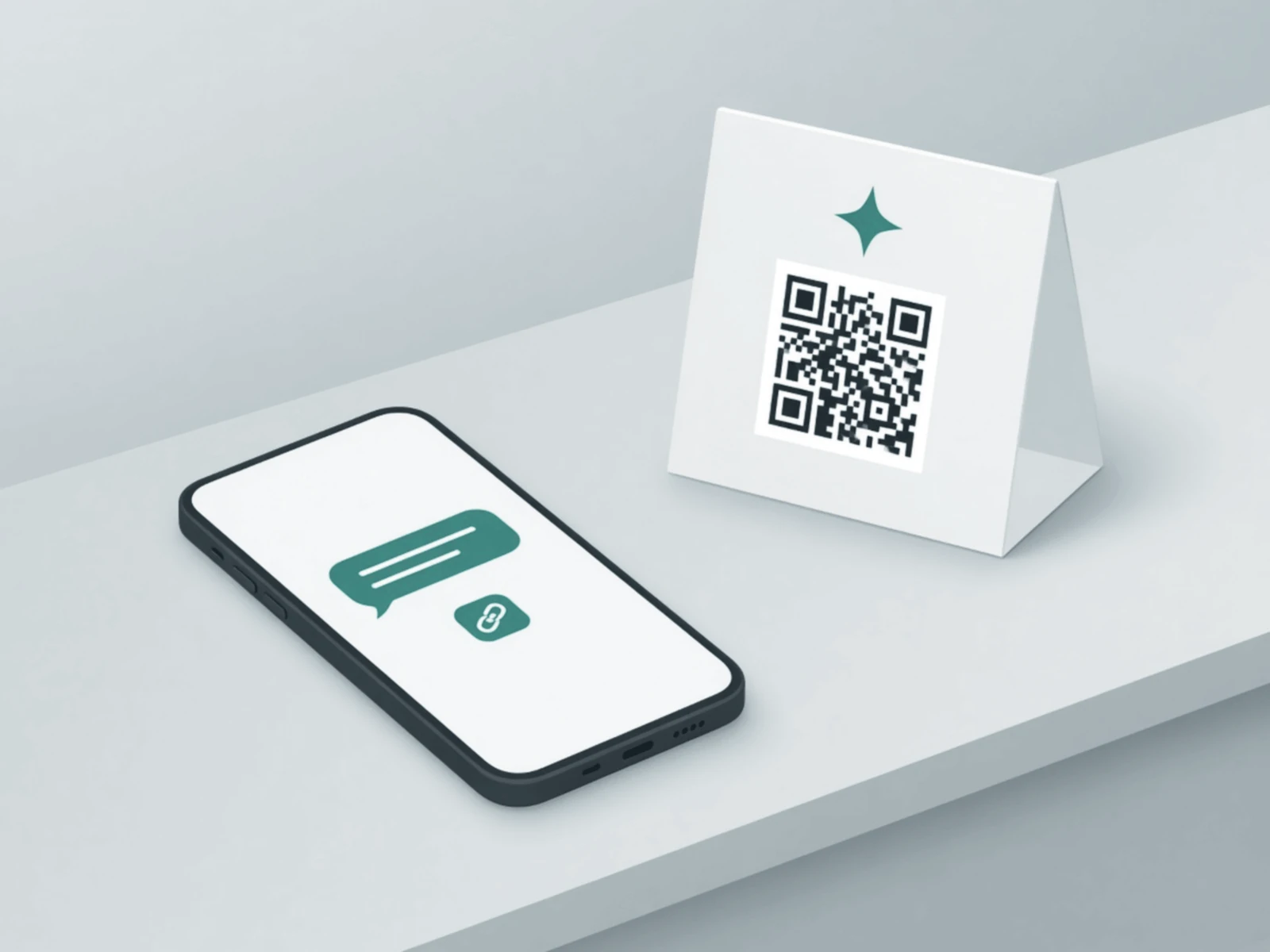
Your Google Business Profile gives you a link and a QR code to share.
2. Write your ask.
Two sentences, in your words, with the link.
3. Pick the moment.
Right after the job is done or the appointment ends.
4. Make it automatic.
Send it by text or email when the job is marked done.
5. Add one reminder.
A few days later, if they haven't left one. Then stop.
6. Reply to every review.
Within a day or two, by first name.
Frequently asked questions
Can I offer a discount for a Google review?
No. Google prohibits incentives for reviews, including discounts and free services.
Reviews that break the rule can be removed.
Can I only ask my happy customers?
No. Google doesn't allow selectively asking for positive reviews.
Ask every customer the same way.
Is it OK to send a review link by text?
Yes, to customers who gave you their number for the job.
Keep it to one ask and one reminder.
How should I reply to a bad review?
Stay calm, thank them, own what's fair, and offer to fix it.
Take the details offline.
Do reviews help me show up in AI answers?
They help. Google's AI uses your Business Profile, and reviews are a big part of it.
Steady, recent reviews make a business look trustworthy to people and to AI.
Stop chasing. Start asking, every time.
Your happy customers want to help you.
Make it easy, ask at the right moment, and let the system remember.
Every job you finish should come with an ask.
Let's find your one fix
On a free 15-minute call, I'll find the task costing you the most.
Then I'll come back on a second short call with one fix for it.
Both calls are free.
Book your free 15-minute AI assessment
Keep learning
- How do I stop leads going cold?
- How do I show up when people ask ChatGPT who to call?
- Does Google still matter now that people use AI?
- What we build: marketing
About Jim Swan
Jim Swan has run Swan Media Solutions in the Okanagan since 2014.
He helps business owners get found and put AI to work, builds his own software (TreWise, SipLocal and TimeSpend), and runs his own businesses with a team of AI assistants.